Did you know StarLine Master has a search box?
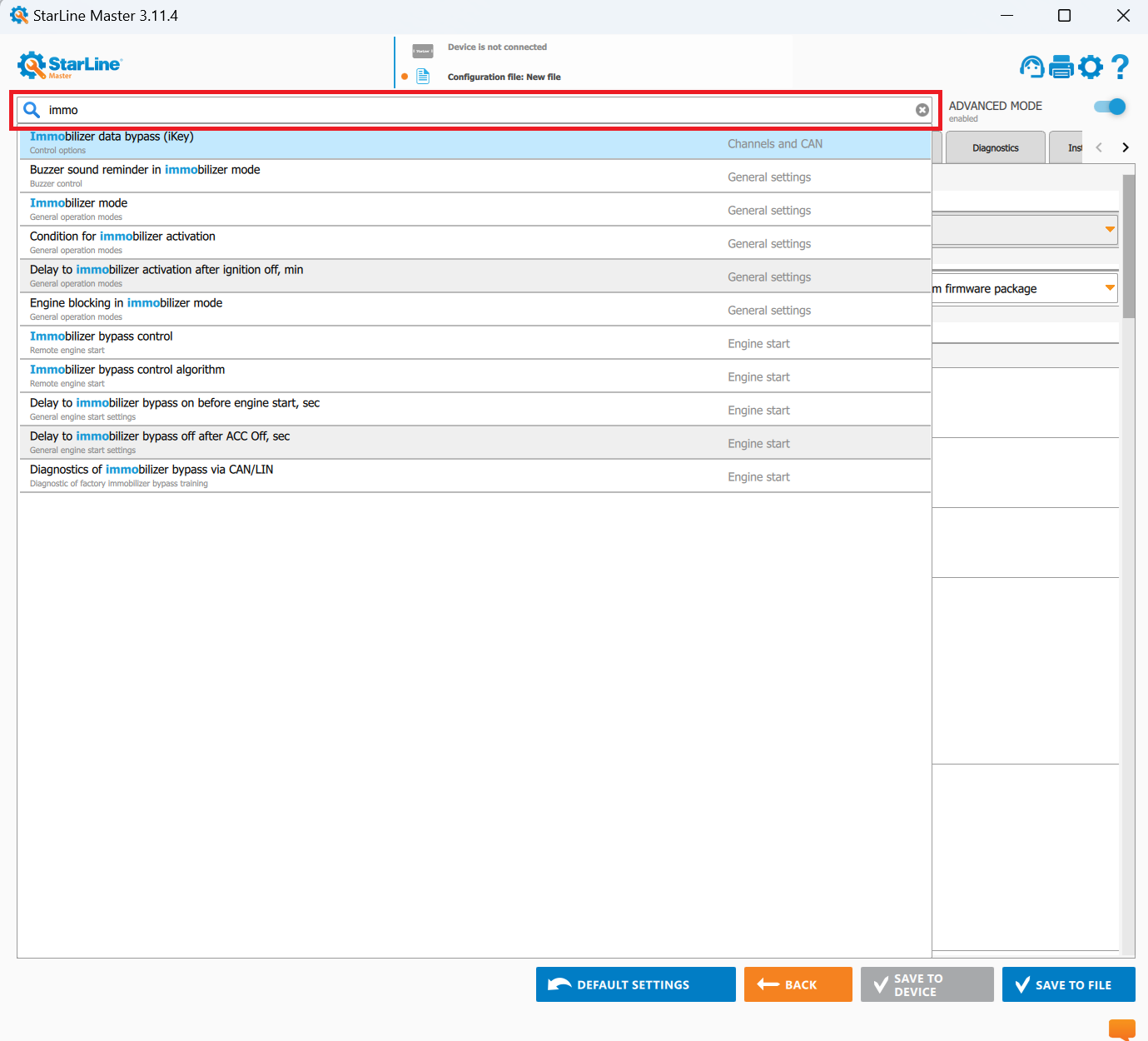
Still clicking through every section to find one setting? StarLine Master has a search box at the top: type a couple of words and it highlights the setting for you.
The settings are organised into sections : general, engine start, engine blocking, sensors, telematics, flexible logic and more, and each section holds a lot. Finding one particular setting by clicking through them takes time you don't really have, especially when you half-remember what it was called.
The search field at the top of the window solves it. Type a word or two from the setting you're after and StarLine Master finds it and highlights it where it lives. No guessing which section it belongs to.
A small thing. It is also the difference between a two-minute hunt and three seconds, several times per install.