
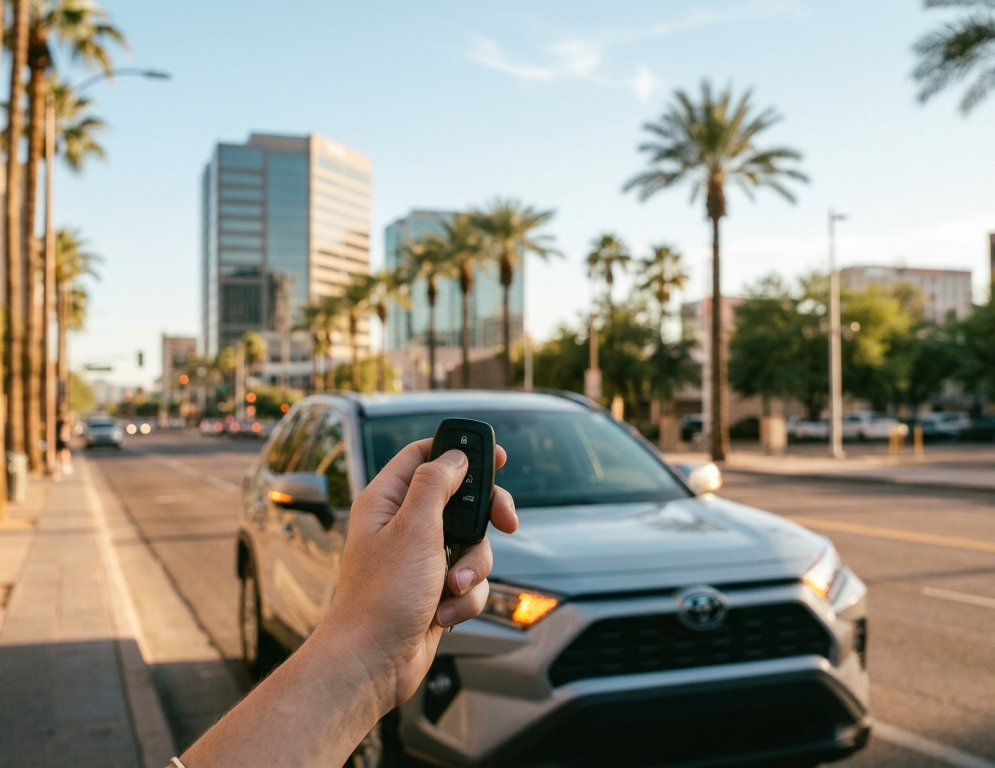
Did you know remote start doesn't have to depend on three Lock presses?StarLine starts the engine from the factory remote by 3x Lock presses, like everyone else — and by any other combination you define yourself.Which is what saves the job on cars that stop reacting on Lock once they're armed.3x pre...
Installer Knowledge
A StarLine system can do considerably more than most installations ever ask of it. Not because anything is hidden, but because nobody reads a manual end to end before a job, the useful parts tend to be the ones you find by accident, years in.
This is where we lay them out. One subject at a time, short enough to read between jobs: features that save time on the bench, settings that solve the cars other systems give up on, security layers beyond the factory algorithms, functions extended over CAN, and scenarios written for one particular owner and nobody else.
That depth is what turns an install into your own work. The more of the system you know, the more you can offer a customer that nobody else in your area is offering, and the more your name travels with the car.
Registered installers also get the Installer Corner: our closed section including a growing library of working examples of Flexible Logic programs for added security, everyday convenience and extended vehicle functions. Each one is a separate file: take it, load it, build on it, charge for it.
INSTALLER CORNER Registration is for businesses: installers, wholesalers, dealers.
21 Sep
20 Sep
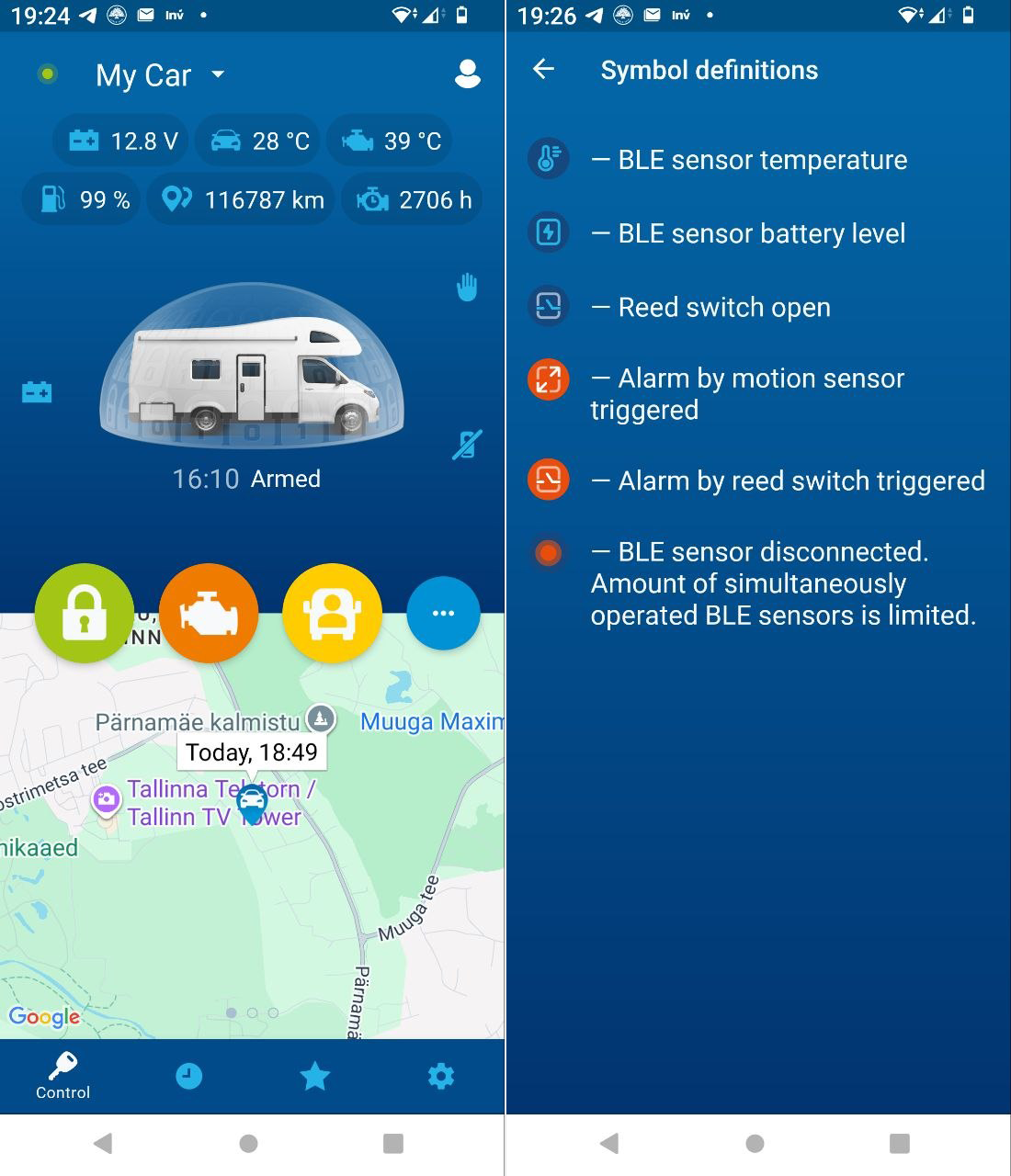
Did you know StarLine becomes a full camper alarm once you add the sensors?Did you know StarLine has a set of functions made specifically for campers? A car alarm fitted to a camper is not a camper alarm. Add the MS-06 BT wireless magnetic sensors, and StarLine becomes one: hatches, lockers, and a S...
19 Sep
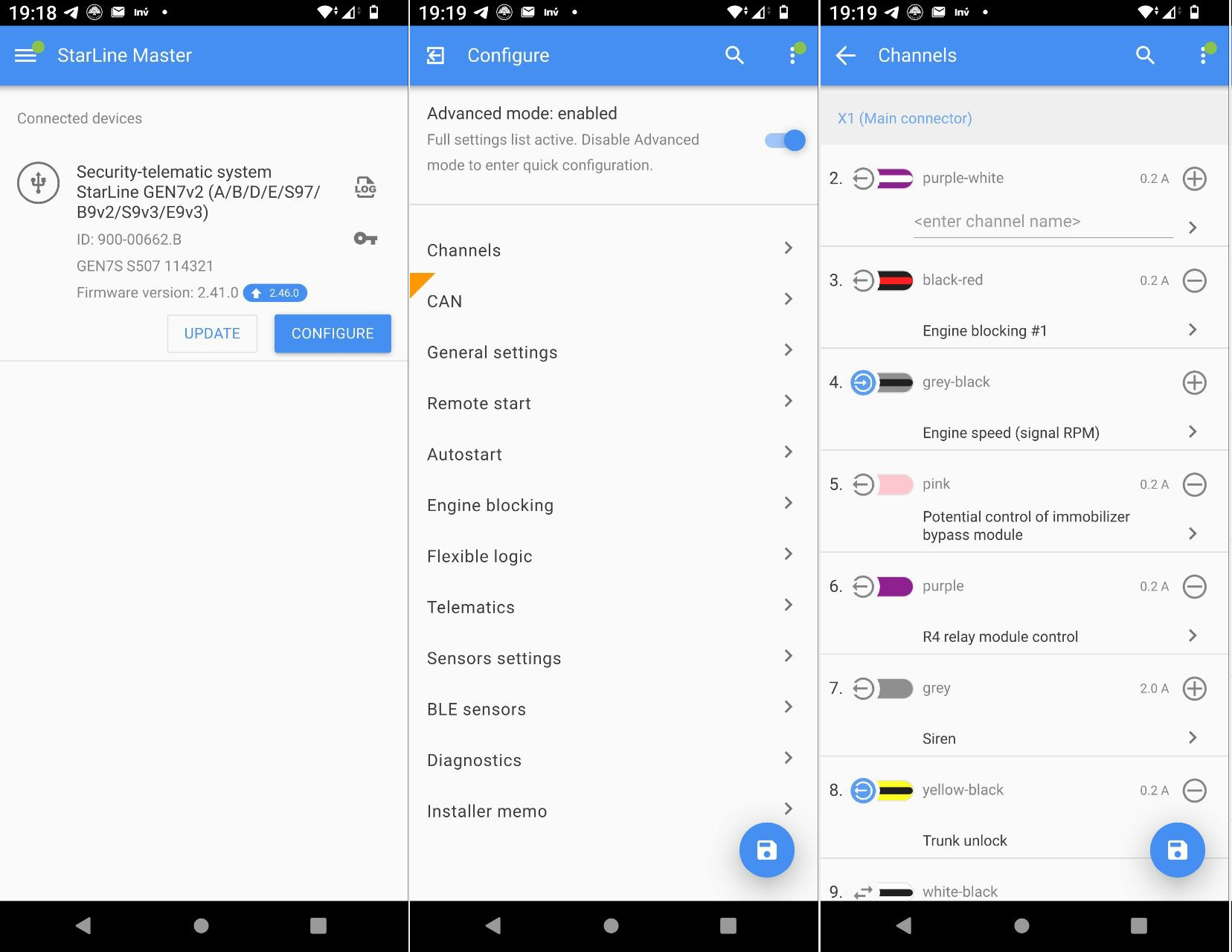
Did you know you don't need a laptop to configure a StarLine unit?No laptop on site? The unit still gets configured. StarLine Master program runs on your phone: the unit connects through an ordinary USB OTG adapter and runs off the phone's own power.Everyone knows the desktop route: StarLine M...
18 Sep
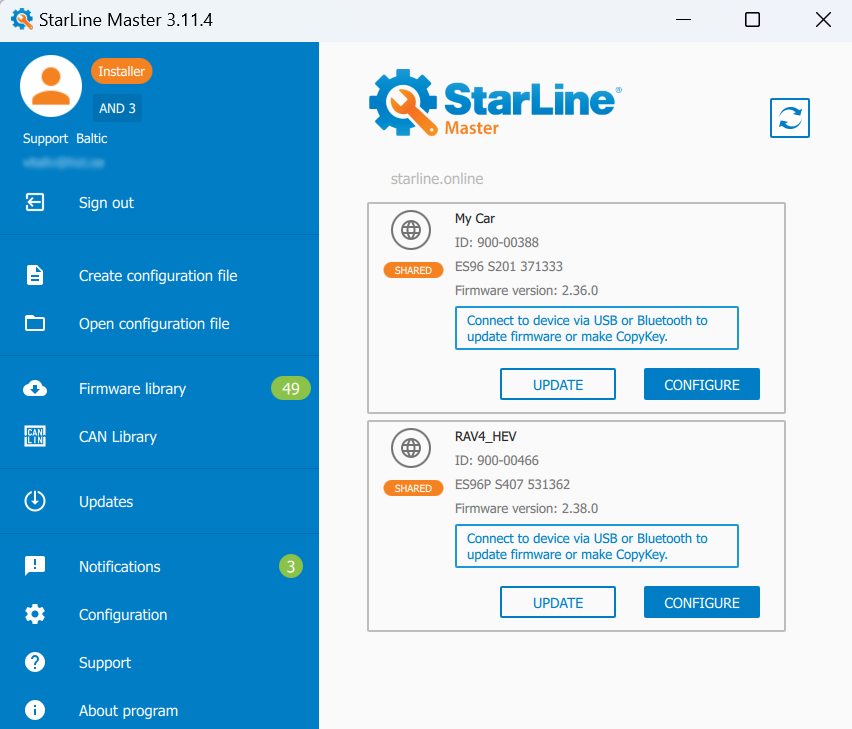
Did you know a StarLine system can be adjusted without the car coming back?One parameter to change, and the customer lives three hours away.On S9- and B9- series systems the owner can grant remote access from his app for an hour, a day, or permanently. ( to Authorised installers only )USB, pho...
17 Sep
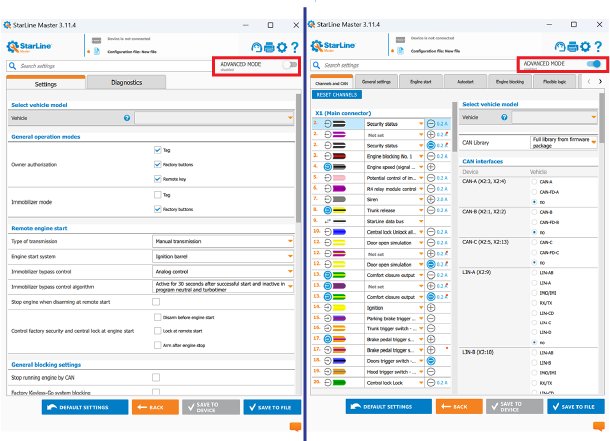
Did you know StarLine Master has two modes?Opening a StarLine system for the first time and wondering where to start?StarLine Master opens in Basic mode: the essentials only, factory security already set as it should be. The rest is one switch away, when you want it.Open a StarLine system for the fi...
16 Sep
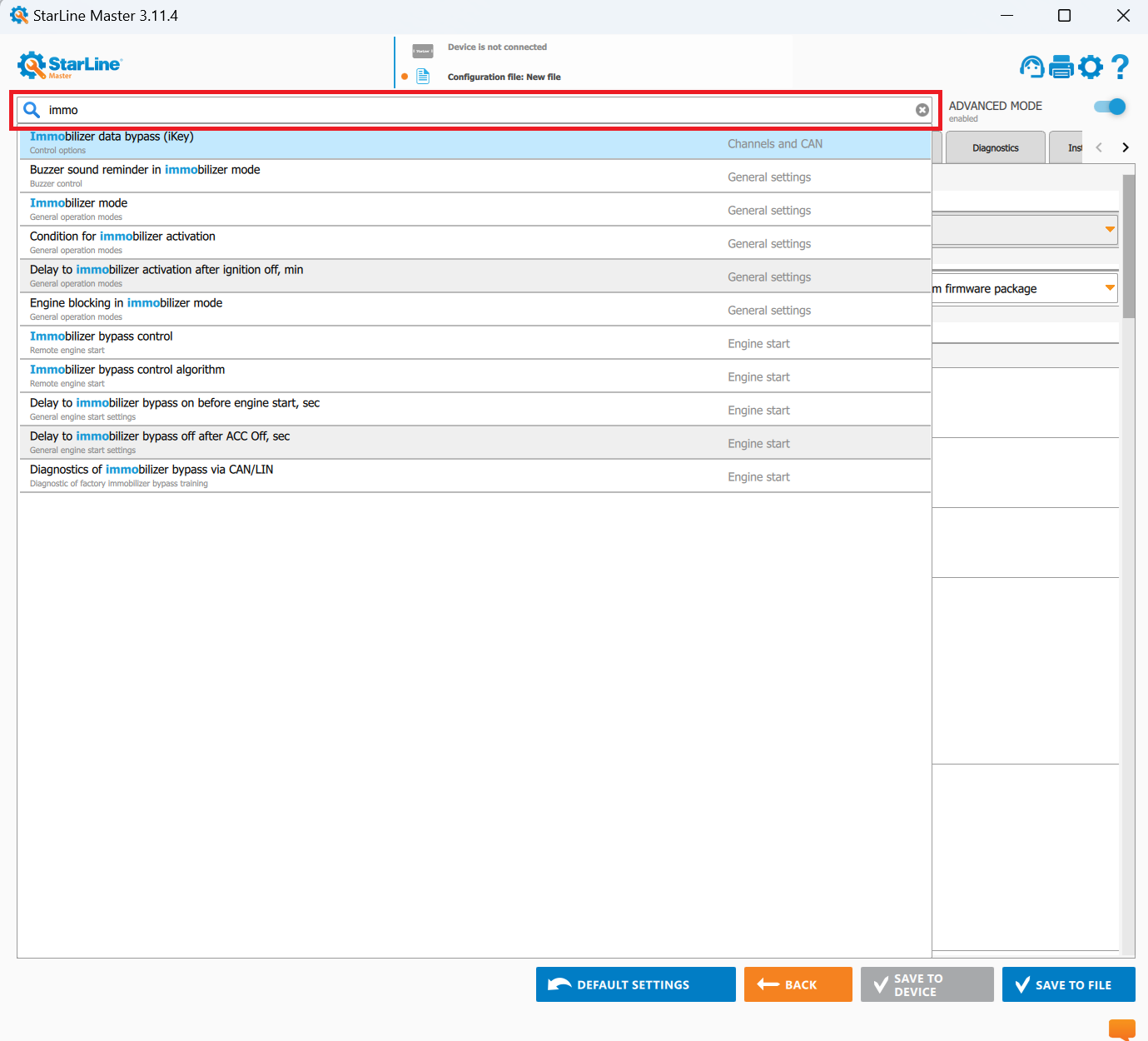
Did you know StarLine Master has a search box?Still clicking through every section to find one setting? StarLine Master has a search box at the top: type a couple of words and it highlights the setting for you.The settings are organised into sections : general, engine start, engine blocking, sensors...
15 Sep
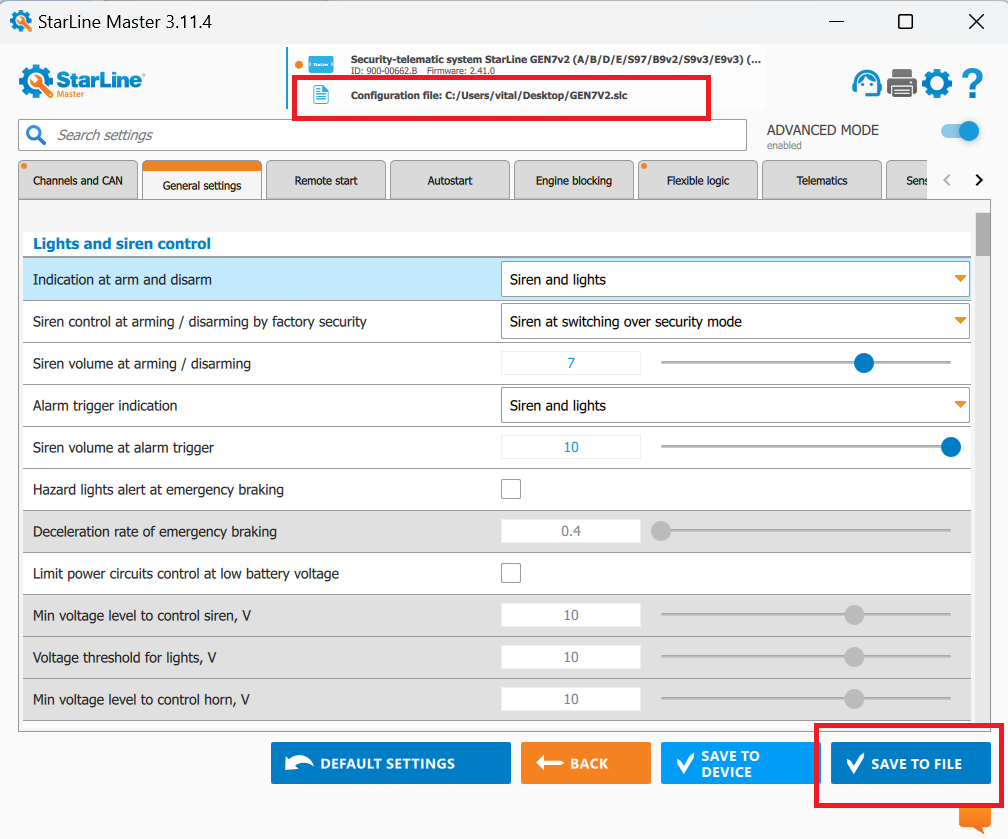
Did you know you can save your current settings to a file and reuse them on every install?How much of every install goes into the settings menu? Experienced installers only do it once. After that they load a file.With 7th-generation StarLine systems, one settings file works across the whole product ...
14 Sep
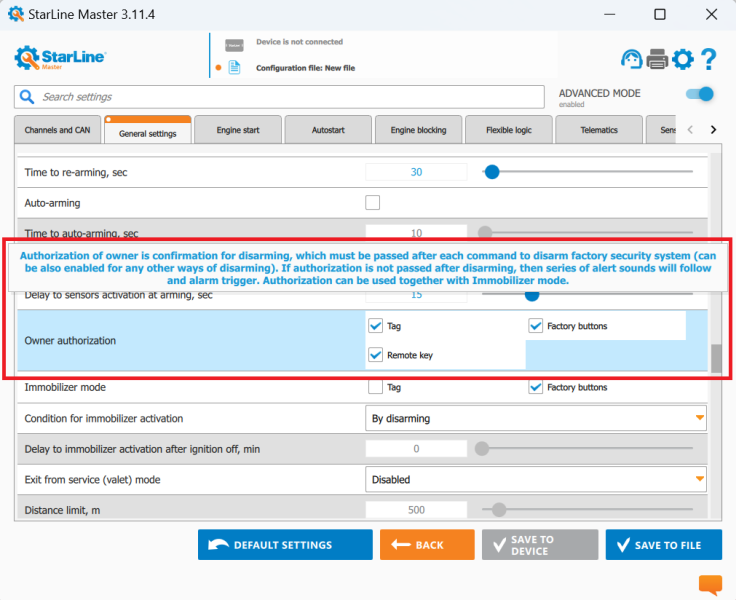
Did you know StarLine Master explains every setting for you?Not sure what a setting does? Don't guess. In StarLine Master, rest the pointer on any function and a pop-up explains what it means and why it exists.The list of functions is long, and nobody knows all of them on the first day. You don't h...
13 Sep
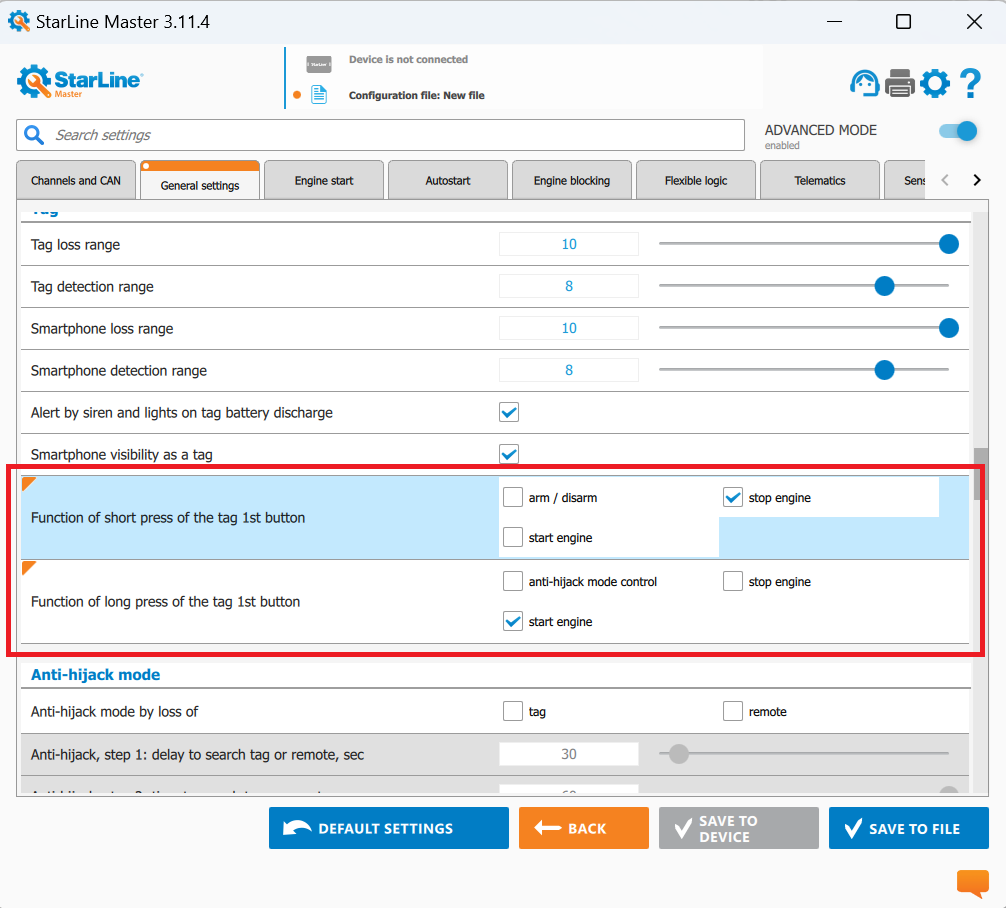
Did you know the button on the Bluetooth tag can do more than arm and disarm?The button on the tag arms and disarms. Out of the box.In StarLine Master you can make it start or stop the engine instead, on any E9 or S9 system. Whatever the owner finds easier.Most StarLine kit comes with two Bluetooth ...
12 Sep
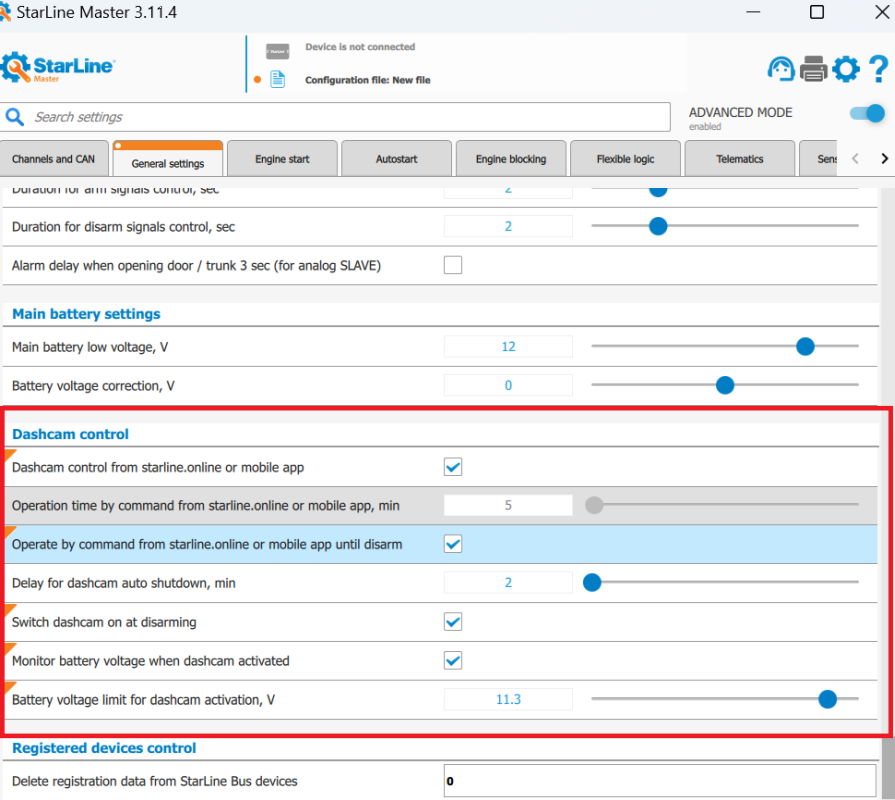
Did you know StarLine can control a dash cam, not just sit next to it?The alarm goes off. Is the dash cam recording?StarLine has DVR control and a power output for the camera, so the alarm can start the recording, all managed from the 'StarLine 2' app.Many owners fit a DVR alongside the alarm. StarL...